I was reading through an open-source project’s documentation recently. The content was worth it: detailed, accurate, clearly written by people who understood the product deeply. But I kept getting lost.
Not because the information wasn’t there. It was. But every page I landed on felt like it existed in isolation. No sense of where I was in the overall structure, no signal of what came before or what should come next, no way to know whether I was reading a beginner concept or an advanced configuration detail.
I was somewhere in the middle of a large, well-written document, and I felt like I’d walked into a building with no signs, no floor plan, and no windows. That experience sent me back to a book I’d been reading: Every Page is Page One by Mark Baker. And it changed how I think about documentation entirely.
The supermarket problem
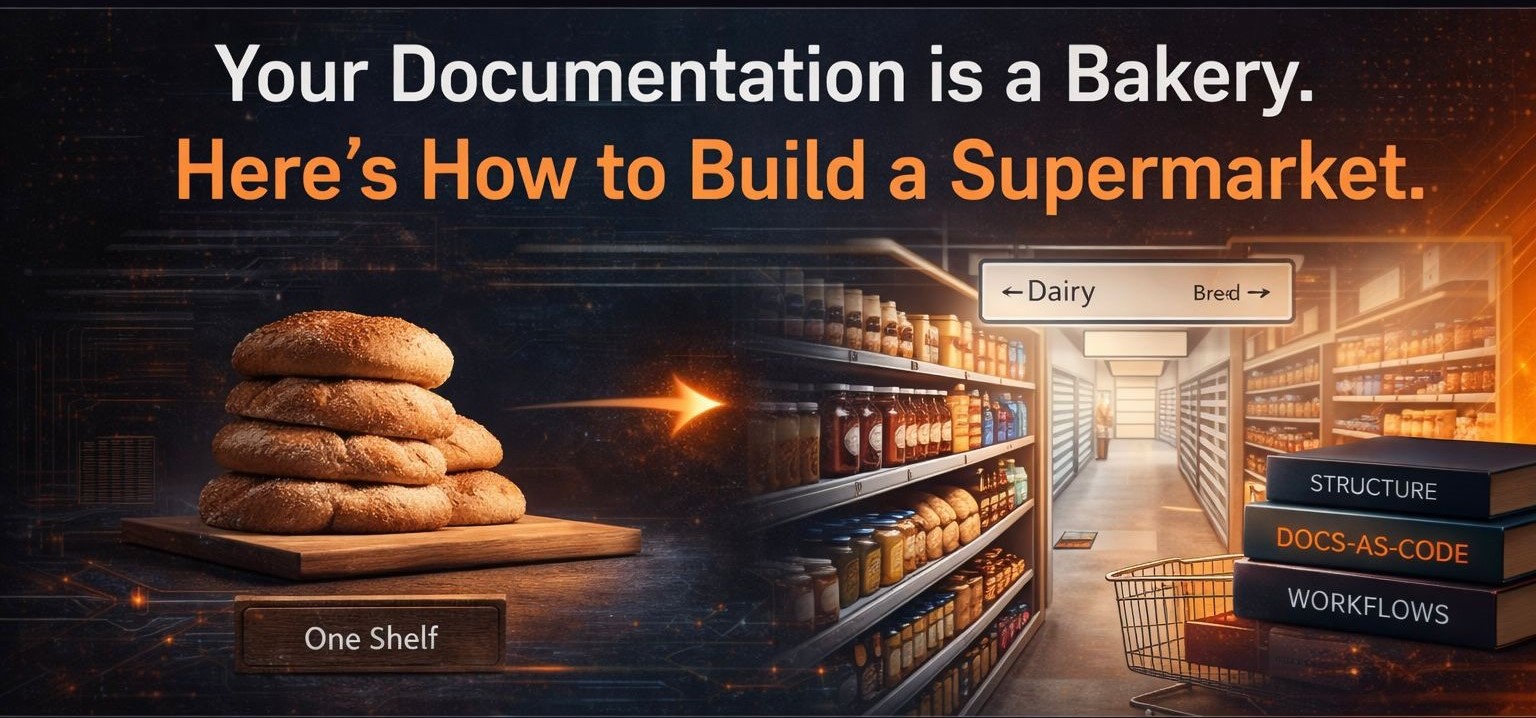
Baker uses a simple metaphor I haven’t been able to stop thinking about. A bakery that sells one product, fresh quality bread, will always sell less than a supermarket. Not because the bread is worse. The bread might be exceptional. But the supermarket gives you bread and options. Options keep people coming back.
Most documentation is a bakery. One product. One shelf. Accurate, useful, well-written, but isolated. A reader arrives looking for one specific thing, finds it or doesn’t, and leaves. There’s nothing to pull them deeper.
When I finished my Git and GitHub for Technical Writers series, that’s exactly what I had built. Six parts. Clear, practical, well-structured. A bakery. Someone could land on Part 3, get what they needed, and leave. I had no way to show them that if they were also wondering how to think about documentation architecture, that conversation existed too. The bread was good. The jam didn’t exist yet. The Systems Over Sentences series is the jam.
Every Page is Page One
Here’s the core idea from Baker’s book, and why it matters for how you build documentation: you cannot control which page your reader lands on first. They arrive through a Google result, a Slack message, a colleague’s bookmark, a link buried in a Stack Overflow answer. They enter anywhere, and wherever they enter, that page becomes their Page One.
Which means every page must be able to stand alone. Not in isolation, but with enough context, enough orientation, enough connection to the whole that a reader arriving cold can find their footing and know where to go next.
Not every page will suit every reader. But every page should be findable by the reader it was written for. Your job is to build the connections that make that possible.
What a window looks like in practice
A window (in the Every Page is Page One sense) is a deliberate connection embedded in content that tells a reader there is more available if they need it. It is not a link at the bottom of a page that says “see also.” A window is a signal, embedded naturally in the content, that tells a reader: there’s more here if you need it. Here’s where it lives. Here’s why it might matter to you.
When someone lands on a page about Git branching workflows, a window might say: “If you’re thinking about how this fits into a larger documentation system, that’s a different conversation, and here’s where we have it.” That reader came for bread. You just showed them the jam.
The Every Page is Page One test
Pick any page from your current documentation. Not the homepage, not the getting started guide. A random page from somewhere in the middle. Then ask four questions:
Does this page tell me where I am in the overall structure? Does it connect to related content I might need next? Does it signal what level of knowledge it assumes? Could someone arriving here cold find their footing in thirty seconds?
If the answer to any of those is no, you don’t have a writing problem. You have a system problem. System problems can’t be fixed by better sentences.
What this means for your role
A technical writer who understands this isn’t just producing content. They’re designing a supermarket: deciding what goes on which shelf, how the aisles connect, what signs point where, and how a customer who came for one thing discovers everything else they needed. That’s not writing. That’s architecture.
Look at your last published document. Find the most important concept on that page. Now ask: is there another document in your system that a reader of this page would also benefit from?
If yes, add the window. One sentence. One link. That’s it. Not all readers will take it. But the right reader will, and that’s the one who comes back.
What’s next
In Part 3 we move from philosophy to practice: how real product teams actually handle documentation, where the handoffs break down, and what a systems thinker does differently at each stage.
The Git & GitHub for Technical Writers series is the tooling foundation this series builds on. If you haven’t read it, that’s the bread. This is the jam.
Discussion